

Digital signage anyone can manage.
Manage digital signage without complicated setup or a dedicated IT Department.
Create or upload, choose Displays, publish
01
Create or upload
Start from a template or a blank design and generate it, or bring in a picture or video you already have.
02
Choose Displays
Pick the Displays or locations it should appear on.
03
Publish
Send it out. Your Displays pick up the change on their own.
Bring your own content — or make the sign here.
Not every business has a designer, and not every message is worth waiting for one.
Templates

On your screen

Templates for real signage jobs
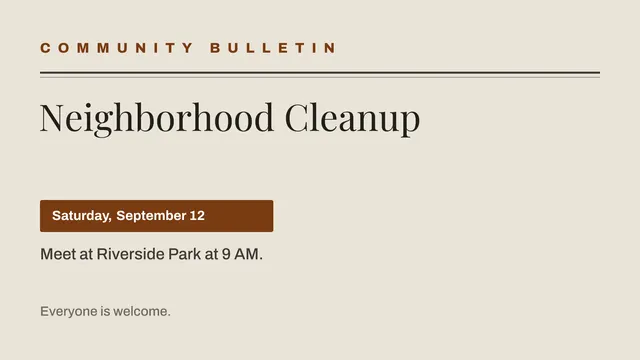
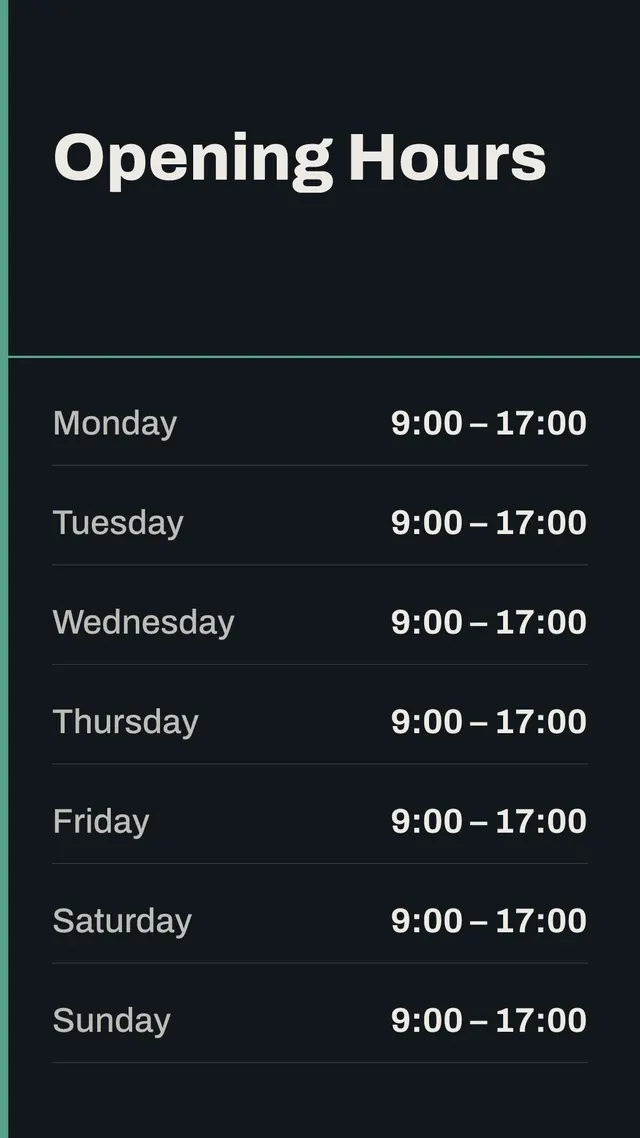
Menus, promotions, opening hours, notices — each one editable, in Landscape or Portrait, whichever way your screen is mounted. Or start from a blank design.
Make it yours
Change the wording and the layout, set your own colours, and drop in pictures from your Media library.
Generate it into Media
When it looks right, generate it. The finished design lands in your Media library as an ordinary image — ready to add to a playlist and publish like anything else you upload.
Pair once. Manage from anywhere.
The TV is a display, not a computer
There is nothing to log into on the screen itself, and no keyboard or remote needed to change what it shows.
Manage from your phone or laptop
Everything happens in the dashboard — from behind the counter, from the office, or from home.
One dashboard, many locations
Run several Displays across several sites without repeating the same work in each of them.
Your screen keeps playing even when the internet doesn't.
Your screens do not depend on a live connection to keep showing what you published. Losing the internet costs you the next change, not the current one.
The screen already has what it is showing
A screen carries on showing what it already has if the connection drops, rather than going blank.
New content arrives in one piece
A change only takes over the screen once all of it has finished downloading, so nobody in the room ever sees half of it.
What's on the screen changes. Your signage should keep up.

Built for places where screens matter.
Different rooms, the same problem: what is on the wall is out of date the moment it goes up.
Restaurants & Hospitality
Menus, promotions and daily specials.
Retail
Promotions, product information and in-store messaging.
Education
Announcements, events, cafeteria menus and campus information.
Faith & Community
Service information, announcements and community events.
Healthcare
Waiting-area information, wayfinding and general announcements.
Fitness & Wellness
Class schedules, announcements and member information.
Offices & Workplace
Lobby displays, internal announcements and workplace information.